


Ardui-no is an open-source physical computing platform based on a simple i/o board and a development environment that implements the Processing/ Wiring language. Arduino can be used to develop stand-alone interactive objects or can be connected to software on your computer (e.g. Flash, Processing, MaxMSP). The open-source IDE can be downloaded for free (currently for Mac OS X, Windows, and Linux).
Getting Started with Arduino UNO
The Arduino UNO board is a fantastic way to dive into electronics and programming. So, if you’re ready to start your journey, here’s a quick and simple guide to help you successfully launch your first Arduino project — because learning by doing is the best way to grow!
Steps to Get Started with Arduino UNO
First, gather the necessary hardware:
-
Arduino UNO board (preferably with a removable IC, so you can easily swap it)
-
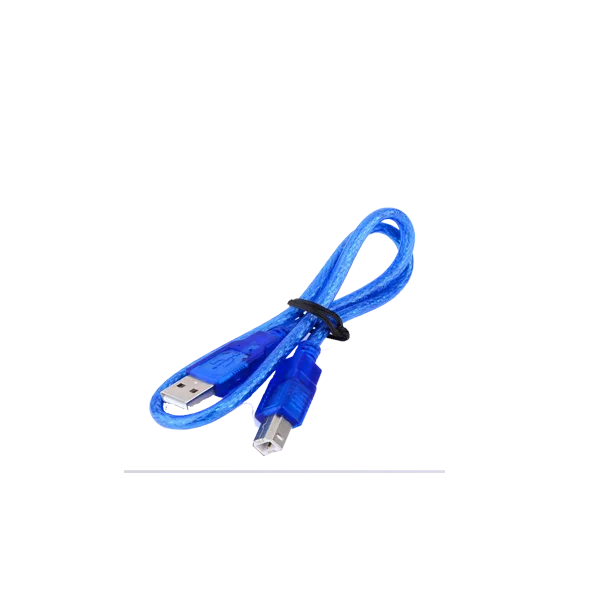
USB cable, which you’ll use to connect the board to your computer
-
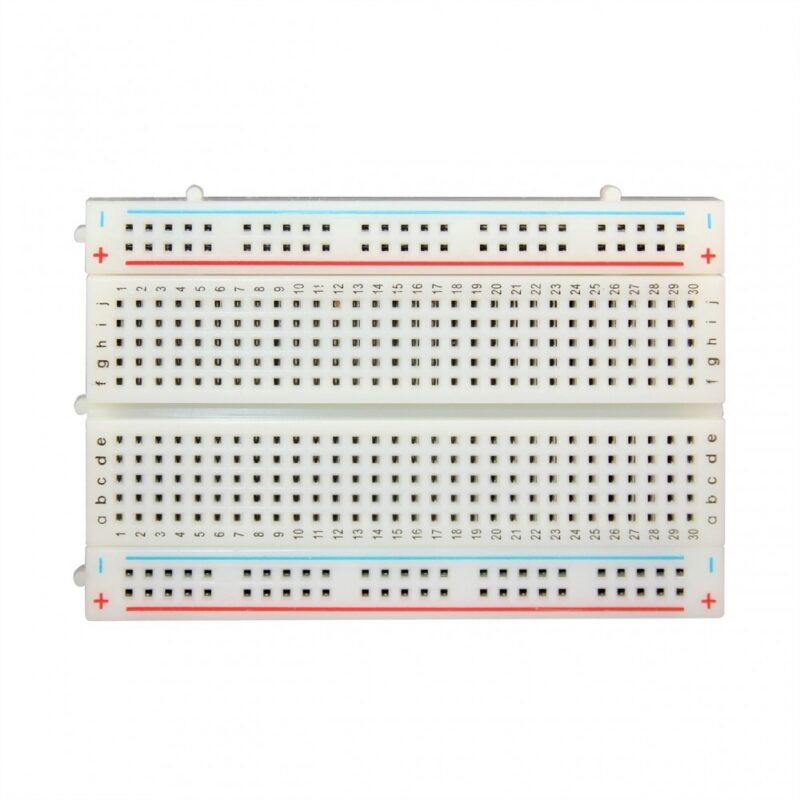
Basic components, like sensors, LEDs, resistors, and breadboards
These essentials will form the core of your first project.
Install the Arduino IDE
Next, download and install the Arduino IDE on your computer. You’ll need it to write, compile, and upload code to your board.
Set Up Your Arduino
-
Plug in your Arduino UNO using the USB cable
-
Open the Arduino IDE
-
Go to Tools > Board and select “Arduino UNO”
-
Then, choose the correct COM port under Tools > Port
Write Your First Code (Blink an LED)
Here’s a simple LED blink example to test your setup:
Now upload the code to your board and watch the onboard LED start blinking!
Explore More Projects
Once your setup works, you can start exploring. Check out the Arduino Project Hub for tutorials on building robots, home automation systems, or IoT devices — because learning gets more fun with real-world applications!
Experiment and Prototype
Start connecting sensors, motors, or displays to build interactive systems. The removable IC on the Arduino UNO allows you to easily upgrade or swap out components, making your board future-ready.
Projects You Can Do with the Arduino UNO
With the Arduino UNO board featuring a removable IC, you can undertake a variety of exciting and educational projects. Here are some great ideas:
- Smart Home Automation System
Control lights, temperature, and appliances with Arduino — and create your own smart home setup. -
Weather Monitoring Station
Measure temperature, humidity, and pressure using sensors. Then, display the data on an LCD screen or upload it to the cloud. -
Remote-Controlled Robot
Build a robot you can control via Bluetooth or Wi-Fi. The removable IC makes it easy to upgrade your robot’s brain. -
RFID Security System
Create a security system that uses RFID to allow or deny access. Add alarms or electric locks for a complete solution. -
Interactive LED Display
Make an LED matrix that shows animations, scrolls text, or creates light patterns. Great for learning multiplexing! -
Automated Plant Watering System
Use soil moisture sensors and relays to water your plants only when they need it. -
DIY 3D Printer Controller
Control motors, heaters, and sensors in a DIY 3D printer setup using your Arduino UNO. -
IoT Data Logger
Combine the UNO with a Wi-Fi module to send sensor data (like temperature or air quality) to the cloud for remote monitoring. -
Game Console Emulator
Create a simple handheld console with an LCD screen and buttons, then program classic games for it. -
Energy Monitoring System
Build a system to measure and display energy use in your home, so you can track consumption and save power.
if you get any issue or your Arduino is not working you an follow this video it can be helpful for you
Package Includes:
-
1x Arduino UNO Board
-
1x USB Cable
There are no reviews yet.