

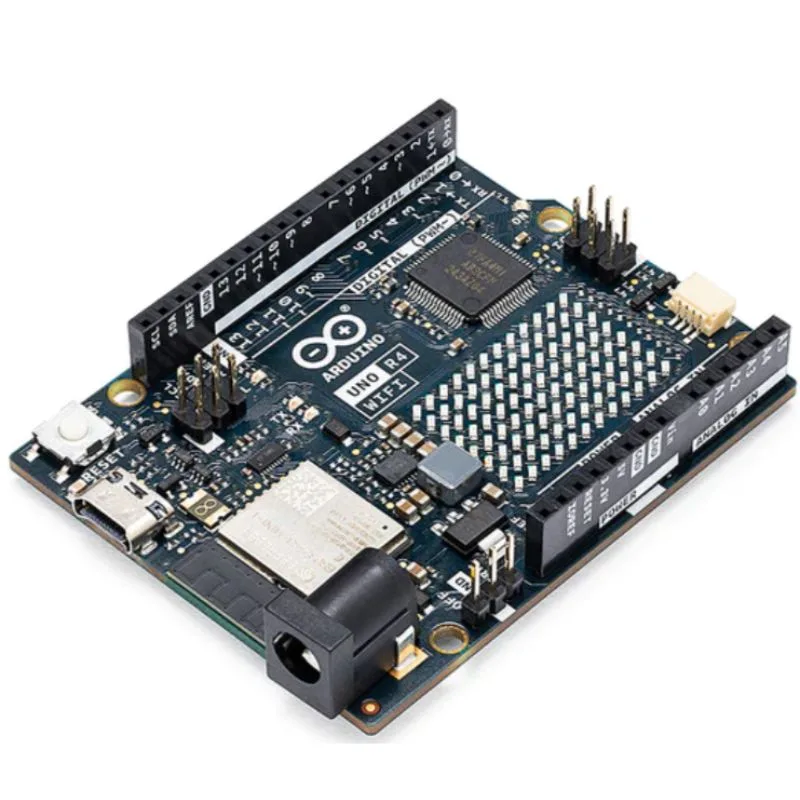
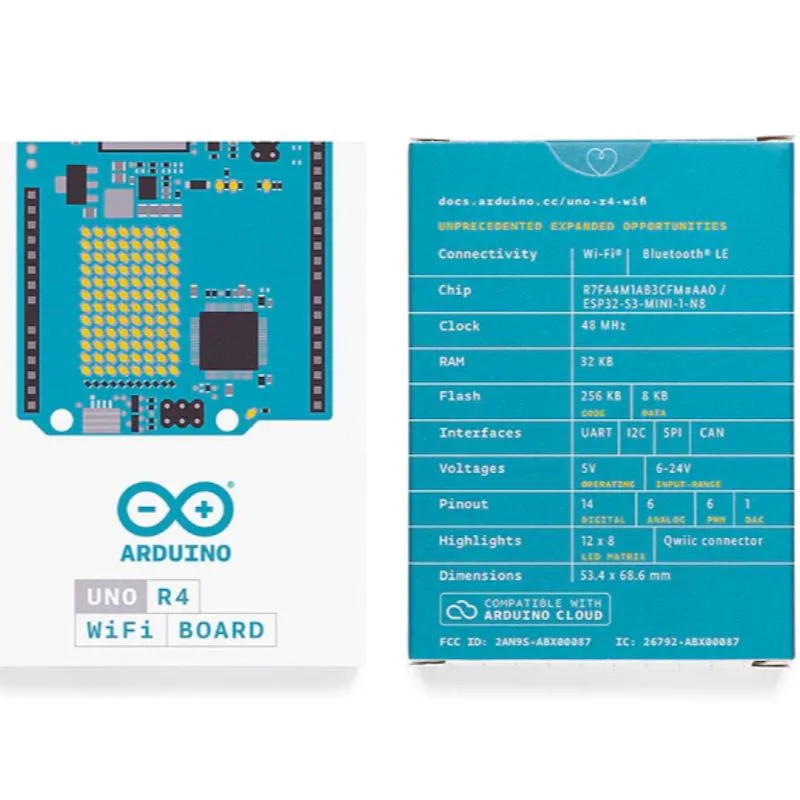
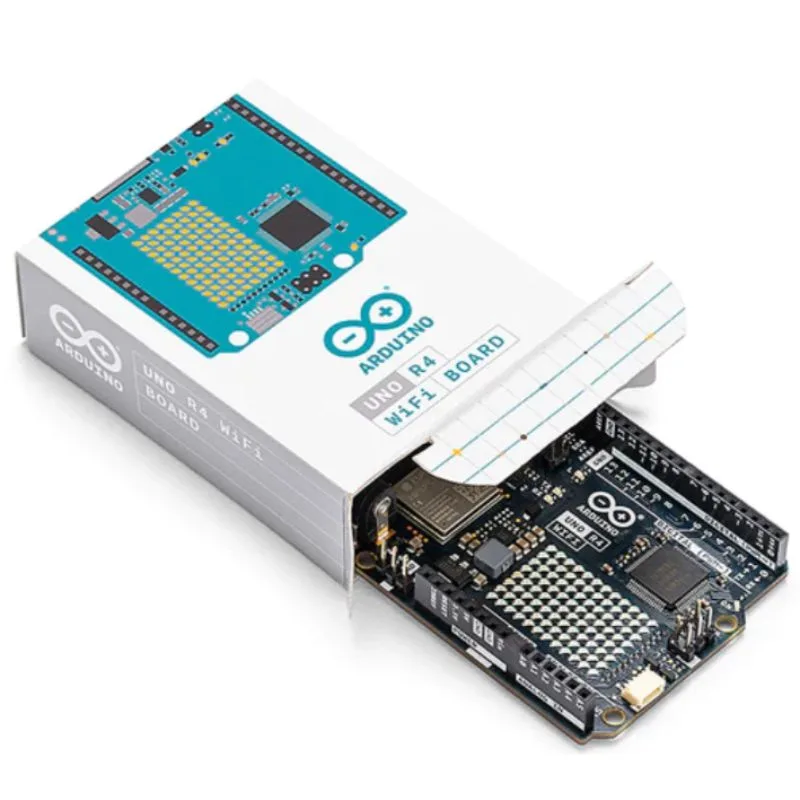
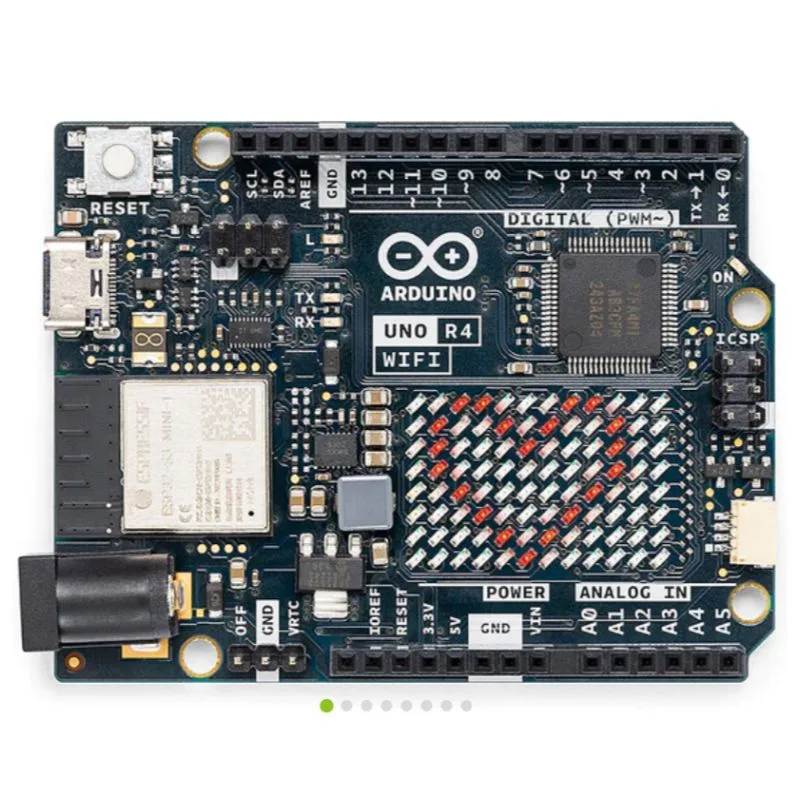
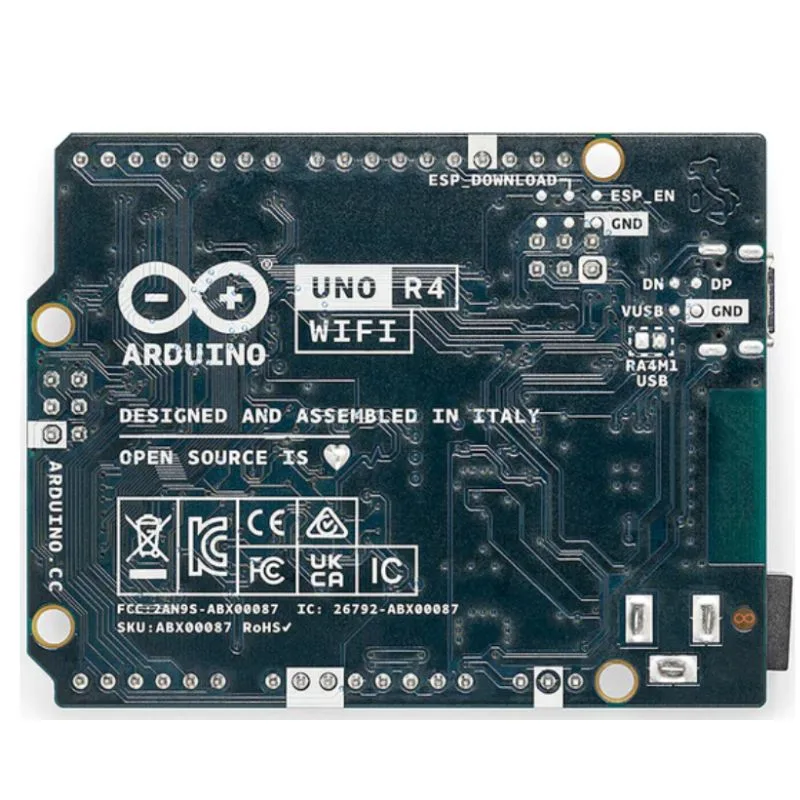
The Arduino UNO R4 WiFi is the latest evolution of the popular Uno line. Instead of the classic 8-bit AVR microcontroller, it now features a 32-bit Renesas RA4M1 (ARM® Cortex®-M4) microcontroller, plus a separate WiFi/Bluetooth coprocessor (ESP32-S3) for connectivity.
It retains the same Uno form factor (same pin layout) so many existing shields remain compatible, but adds more computational power, memory, and connectivity. It uses a USB-C connector for programming/power.
This makes it ideal for makers, IoT projects, education, and advanced embedded systems that previously required higher end hardware.
Features
Here are the standout features of the UNO R4 WiFi:
-
ARM Cortex-M4 core (Renesas RA4M1) running at ~48 MHz, giving far more performance than previous Uno boards.
-
256 kB flash memory + 32 kB SRAM + 8 kB EEPROM (on the RA4M1) for plenty of space for code and data.
-
Operating voltage: 5 V on I/O — retaining compatibility with older Uno shields.
-
Additional connectivity via an onboard ESP32-S3 module providing WiFi (2.4GHz) and Bluetooth LE for the “WiFi” version of the board.
-
USB-C connector for programming and power.
-
Additional modern peripherals: DAC (12-bit) on analog pin A0, op-amps, CAN bus interface (requires external transceiver), 14-bit ADC, real-time clock, memory-protection unit.
-
Extra breakout like Qwiic I²C connector (3.3 V bus) on the WiFi version, and a 12×8 LED matrix built into the board in the WiFi version for visual indicators.
Specifications
Here is a more detailed specification summary for the UNO R4 WiFi version. (Always refer to the official datasheet for full details.)
| Parameter | Value |
|---|---|
| Microcontroller (MCU) | Renesas RA4M1 series (R7FA4M1AB3CFM#AA0) — ARM® Cortex®-M4 @ 48 MHz |
| Flash Memory | 256 kB |
| SRAM | 32 kB |
| EEPROM (data memory) | 8 kB |
| Operating Voltage (I/O) | 5 V |
| USB Connector | USB-C (for programming / power) |
| Input Voltage via VIN / Barrel | 6-24 V recommended |
| Digital I/O Pins | 14 (D0–D13) |
| Analog Input Pins | 6 (A0–A5) |
| DAC Output | Up to 12-bit DAC (on A0) |
| ADC Resolution | Up to 14-bit ADC on analog inputs |
| Additional Peripherals | CAN bus (via external transceiver), op-amps, RTC, etc. |
| Connectivity (WiFi version) | ESP32-S3-MINI module providing WiFi + Bluetooth LE |
| Board Dimensions | ~68.85 mm × 53.34 mm (same form as traditional Uno) |
Practical Tips
Here are some practical usage and design tips for working with the UNO R4 WiFi:
-
Because the I/O is 5 V compatible, many older shields and modules designed for the Uno R3 will work without modification. However, check any I/O level expectations if you’re interfacing 3.3 V modules.
-
For modules or sensors that work at 3.3 V and interface via the ESP32-S3 (on board), be careful about voltage levels — there is a logic-level translator between the RA4M1 and ESP32-S3. The ESP header and Qwiic connector are 3.3 V only.
-
Make sure to use a good USB-C cable that supports data (not just charging) when programming the board.
-
When powering the board via VIN or barrel jack, ensure the input voltage is within the specified range (6-24V) and that the onboard regulators can handle your connected loads (especially if you attach many peripherals).
-
Use the extra memory wisely — you now have significantly more flash and SRAM to do larger projects (e.g., more libraries, complex logic, sensor arrays) compared to earlier Uno boards.
-
If you’re deploying an IoT application, take advantage of the onboard WiFi/Bluetooth module (on the WiFi version) for wireless connectivity, OTA updates, cloud integration, etc.
-
If using the CAN bus feature, remember you’ll need an external CAN transceiver chip since the RA4M1 only has the CAN interface logic.
-
For shields and accessories, double-check that they are compatible or designed for 5 V logic (many modern sensors are 3.3 V).
-
The USB communications go via the ESP32-S3 by default; if you want direct programming of the RA4M1, there are solder-bridge options on the board (per documentation).
Applications
Here are several application scenarios where the UNO R4 WiFi excels:
-
IoT and connected devices: With built-in WiFi/Bluetooth (on the WiFi version), you can build smart sensors, remote controllers, home automation, environmental monitoring.
-
Advanced sensor processing: The 32-bit MCU and increased memory allow you to handle larger data sets (e.g., arrays of sensors, signal processing, floating-point math) more easily than older 8-bit boards.
-
Education and prototyping: The familiar Uno form factor with enhanced capability makes a great learning and teaching platform for modern microcontroller design.
-
Robotics and motor control: Use the DAC, op-amps, high-precision ADCs and increased performance for robotics, motor drivers, feedback loops.
-
CAN-bus projects and industrial use: With CAN bus support (via external hardware), the board can be used in vehicle or industrial networked control systems.
-
Wearables, audio, and interaction design: With floating point support, op-amps, DAC, etc., you can prototype interactive audio / signal projects, wearable sensors, etc.
-
Legacy shield reuse with upgraded performance: Since it keeps the same shield footprint, you can upgrade old Uno R3 setups to this board for more grunt while re-using hardware.

There are no reviews yet.