

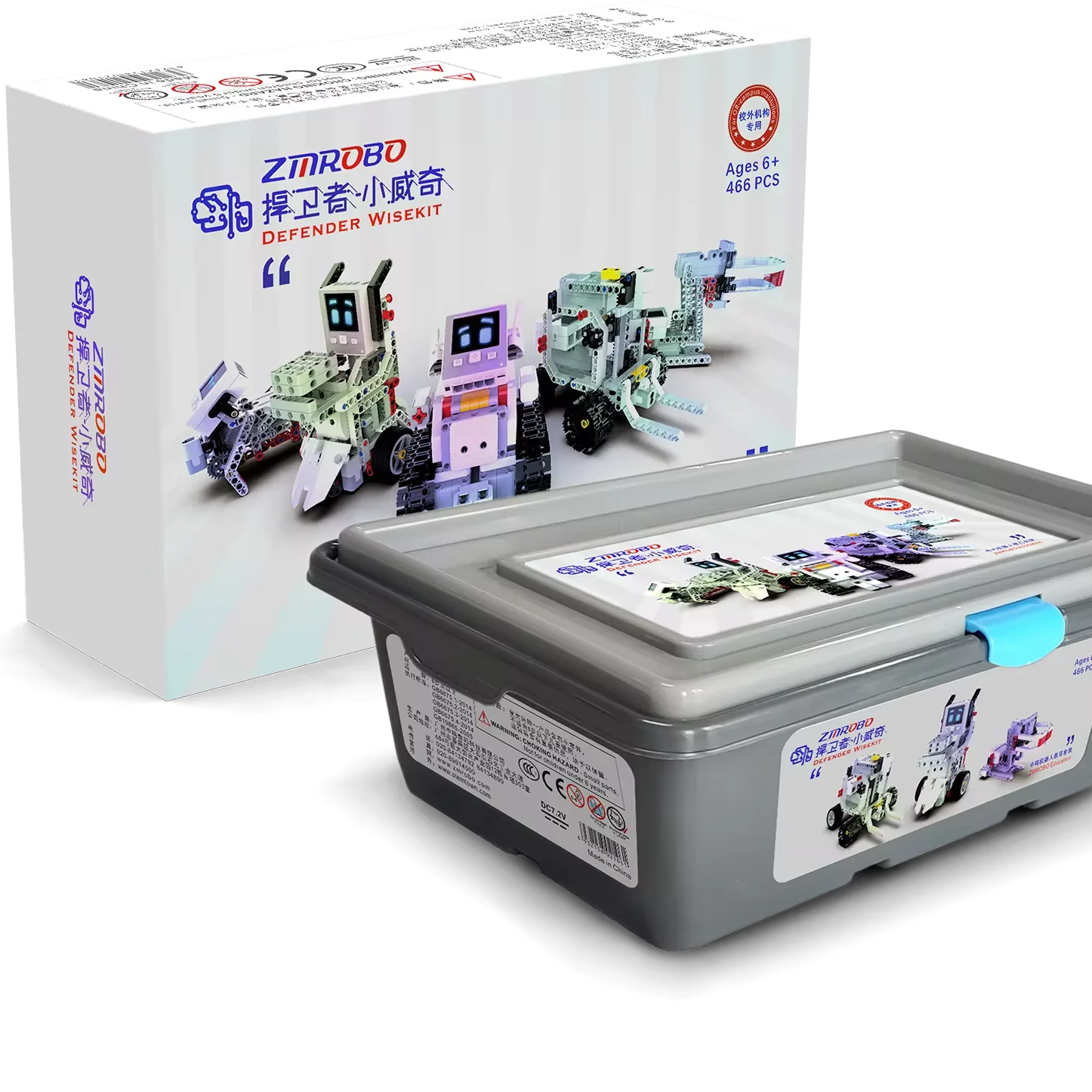
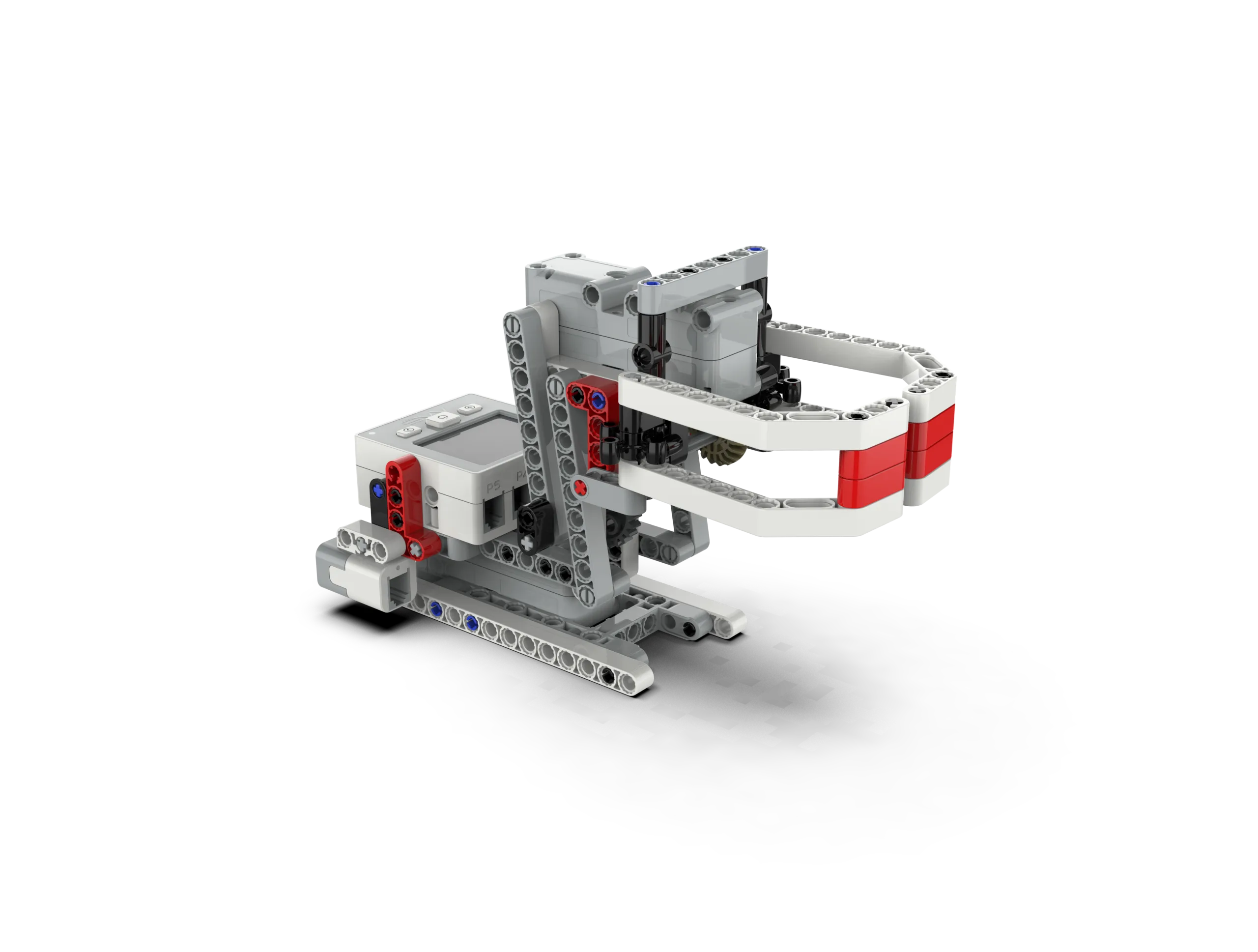
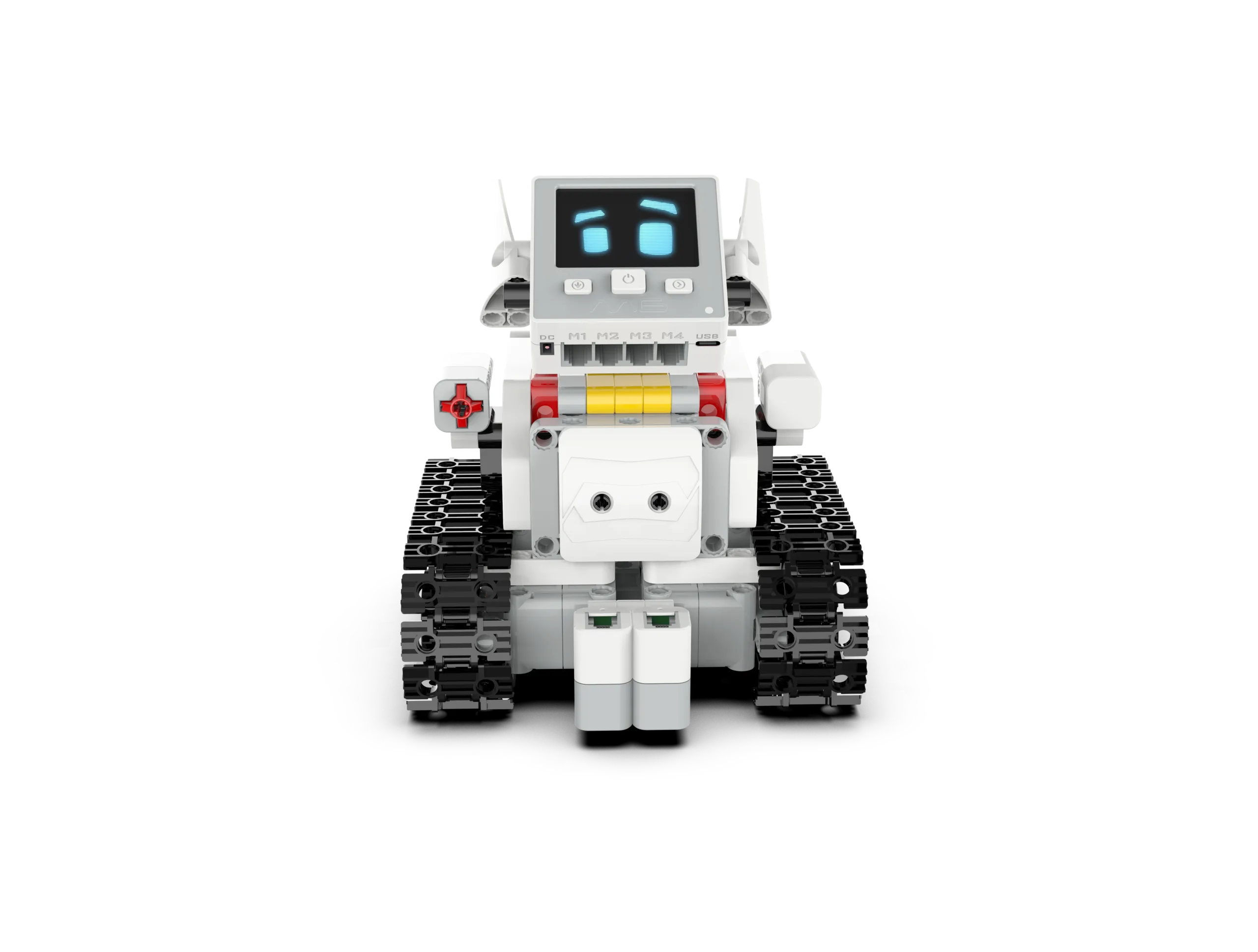
Defender WiseKit is an educational product designed for teenagers to learn programming. Students can use the controllers, sensors, actuators, and building blocks to build various robot models. They can then use graphical programming software to program the functions and actions of the robots, making it easier for them to master programming skills through practice. The robot set also comes with detailed tutorials and rich examples to help teenagers unleash their creativity and imagination, and discover the enjoyment of programming.
Blocks
466+ PCS
Defender WiseKit
Defender WiseKit has 48 courses in 3 stages. Defender The courses cover mechanical structure, power transmission, energy conversion, mechanism movement, electronic circuits, operating controllers, using sensors to detect and obtain information, sorting out program flows, writing and optimizing programs, etc. It not only provides interesting structure building but also contains rich programming knowledge.
| Stage | Theme | Lesson NO. |
Lesson Name | Key Points | Topics |
|---|---|---|---|---|---|
| Stage 1 Force and Machinery |
This topic mainly uses common mechanical devices as cases to inspire students to explore the mechanics and structural characteristics contained therein. |
1 | Balance Scale | The five elements of a lever, understanding the fulcrum and lever arm | Lever and force |
| 2 | Trolley | Differences between static friction, sliding friction, and rolling friction | Friction | ||
| 3 | Slingshot | Conversion between elastic potential energy and kinetic energy | Powered by the elastic force | ||
| 4 | Gravity Car | Gravitational potential energy and the three elements of force | Powered by the gravity | ||
| 5 | Reciprocating Saw | The movement of the slider-crank linkage | Slider-crank linkage | ||
| 6 | Ferris wheel | Belt drive and its characteristics analysis | Belt drive | ||
| 7 | Crane | Knowledge about fixed pulleys and movable pulleys | An exploration of pulleys | ||
| 8 | Gyro Launcher | Gear transmission and calculation of transmission ratio | Spur gear drive | ||
| 9 | Lawnmower | Differences between bevel gears and spur gears | Bevel gear drives | ||
| 10 | Barrier Gate | Application and characteristics analysis of worm drive | Worm drive | ||
| 11 | Wipers | Linkage drive and quadrilateral instability | Linkage motion | ||
| 12 | Swing Ride | Centripetal force and centrifugal motion | Centrifugal motion | ||
| 13 | Swing | The stability of the triangular structure | Stable structure | ||
| 14 | Tank | Characteristics of chain drive and adjusting the tightness of the chain | Chain drive | ||
| 15 | Rubber Band Powered Car | Application of multi-level gear drive | Multi-level gear drive | ||
| 16 | Treadle Sewing Machine |
Combined application of mechanical power transmission methods | Combined application | ||
| Stage 2 Engineering Challenges |
This topic uses typical engineering machinery equipment as a guide to inspire students to use programming and mechanical knowledge to solve engineering problems. |
1 | Pumping Unit | Basic functions of the controller and program download | Controllers and motors |
| 2 | Vibrating Sieve Machine |
Sequential structures in programming | Sequential structure | ||
| 3 | Cement Mixer Truck |
Loop structures in programming | Loop structure | ||
| 4 | Electric Drill | Controller buttons and their functions | Controller buttons | ||
| 5 | Chainsaw | The detection function of touching the screen | The detection of touching the screen | ||
| 6 | Rammer | The servo function of the motor | Rotation angle | ||
| 7 | Bulldozer | Comparative analysis of multiple motor functions, motor power, and synchronization modules | Synchronous rotation | ||
| 8 | Bulldozer | Functions of the touch sensor | Touch sensor | ||
| 9 | Lift | Initialization function | Initialization | ||
| 10 | Lathe | “Waiting for the servo motor to rotate to a specified angle” module | Waiting for rotation | ||
| 11 | Hole Puncher | Functions of photoelectric sensors | Photoelectric sensor | ||
| 12 | Hydraulic Machine |
Module for setting the color of the color lamp | Color lamp | ||
| 13 | Sorting Machine |
“And” module and color recognition | Color recognition | ||
| 14 | Mechanical Claw |
Combination of multiple sensors | Combined control | ||
| 15 | Forklift | “Repeat until” module | Conditional loop | ||
| 16 | Crane | Functions of the encoder | Encoder | ||
| Stage 3 Smart Life |
The courses of this unit will take smart products in life as the topic and guide students to use echnology to complete projects. |
1 | Digital Doorbell | Buzzer module | Buzzer |
| 2 | Button Desk Lamp | Combination of left and right buttons | Selection structure | ||
| 3 | Speed-shifting Fan | Multi-level speed regulation of motor | Multi-level speed regulation | ||
| 4 | Music Player | Playing music with a buzzer | Sound frequency | ||
| 5 | Choosing Machine | Random number module | Random number | ||
| 6 | Noise Decibel Meter | Functions of the built-in microphone | Built-in microphone | ||
| 7 | Smart Trash Bin | The use of the user-defined functions | User-defined functions | ||
| 8 | Anti-theft Door | The use of the “controller time” module | Controller time | ||
| 9 | Smart Piggy Bank | Variables and displaying data on the screen | Variables | ||
| 10 | Light-sensitive Curtains | Light sensing function of the photoelectric sensor | Light sensing switch | ||
| 11 | Mousetrap | Differences between static friction, sliding friction, and rolling friction | Display String | ||
| 12 | Simple Password Box | Coordinates on the display screen and the touch point detection | Coordinates on the display screen | ||
| 13 | Electric Folding Chair | Bluetooth connection and Bluetooth control | Bluetooth control | ||
| 14 | Electronic Pet Dog | The function of a multitasking program | Multitasking program | ||
| 15 | Sweeping Robot | Set and read address data | Address data | ||
| 16 | Food Delivery Robot | Basic functions of the controller and program download | Line patrol with two photoelectric sensors |
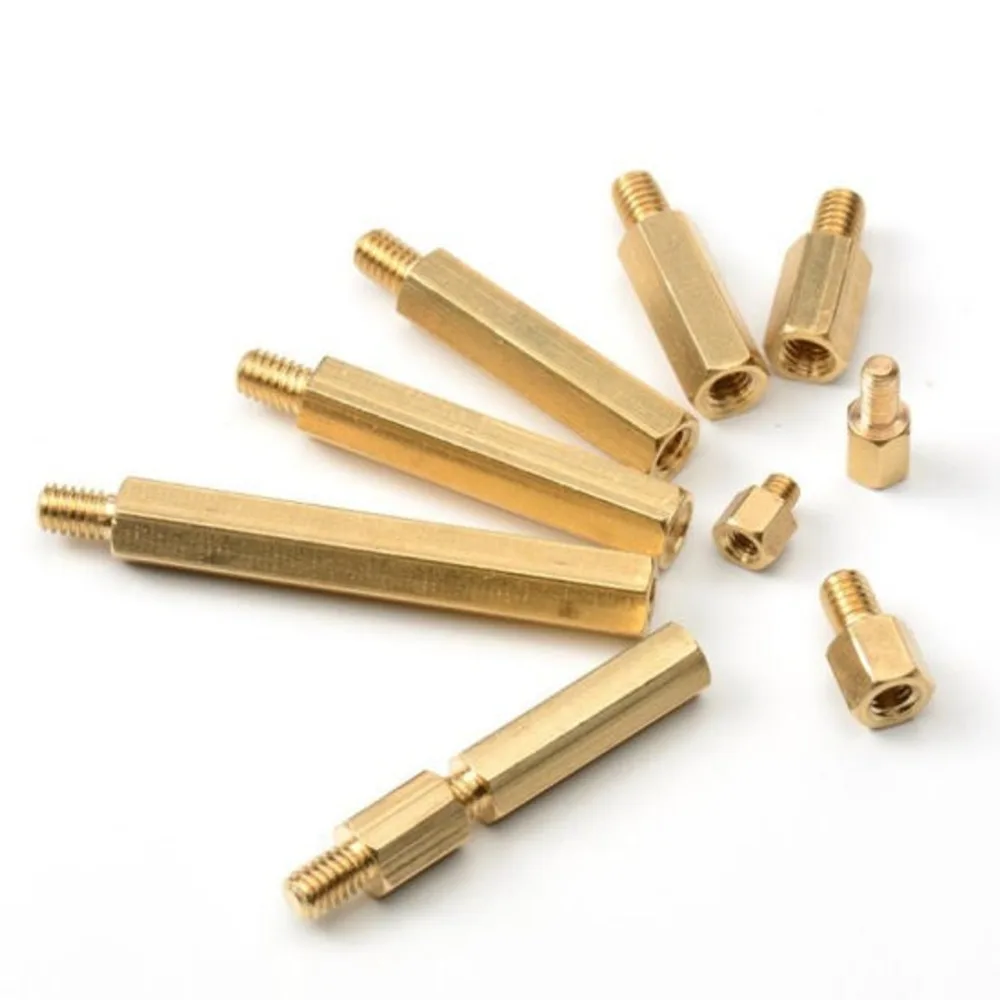
85 types of building blocks, 466 accessories
These blocks are high-quality, with precise structures, a beautiful appearance, and a soft touch.


There are no reviews yet.