

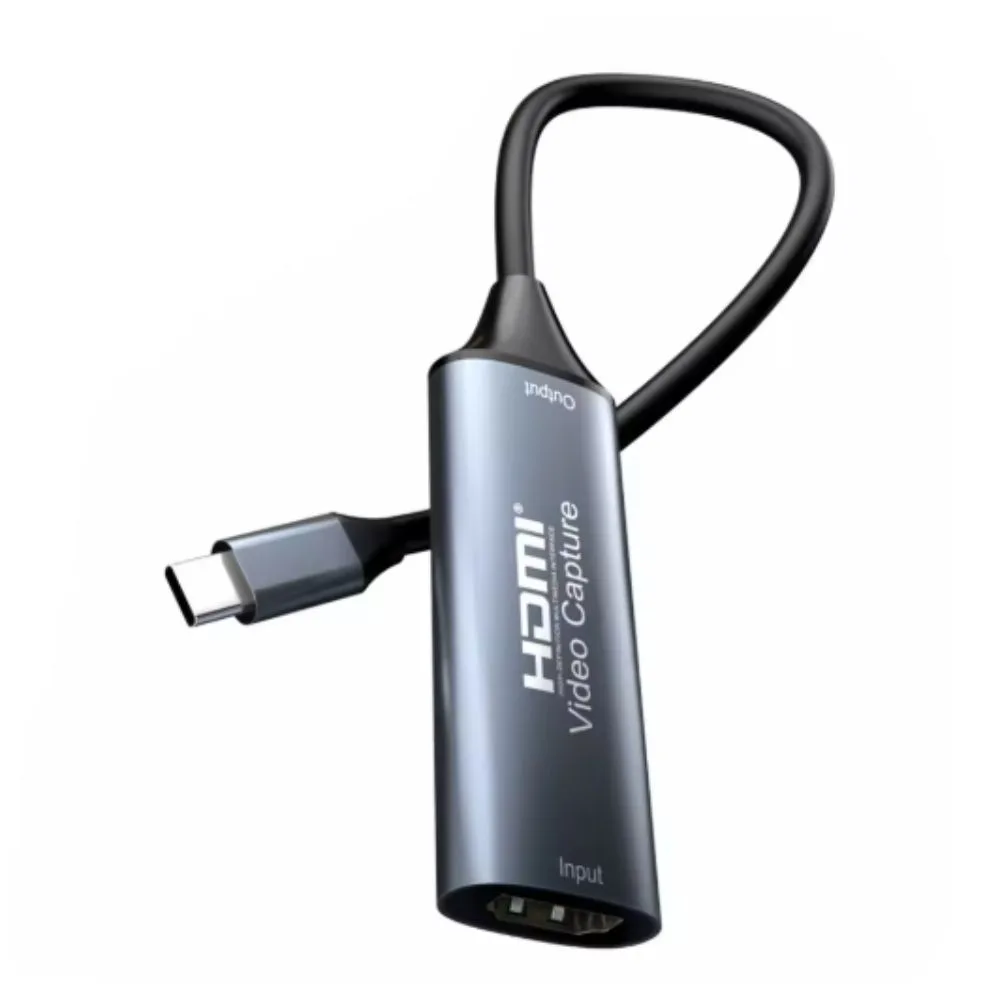
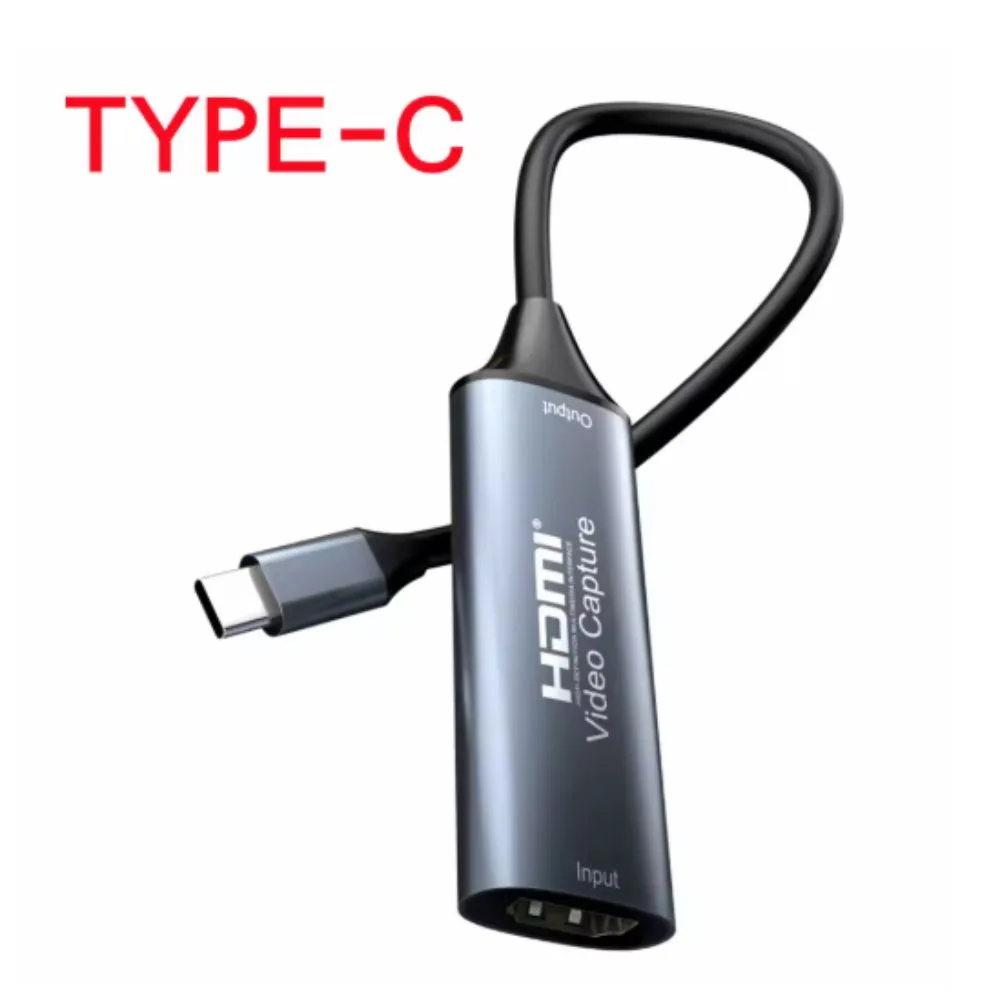
An HDMI Video Capture Card converts an HDMI video/audio signal into a USB (USB-C in your case) stream that your computer can recognize as a webcam/video input device. It allows you to record, live-stream, or display HDMI sources on your MacBook, PC, or other USB-C devices.
Features
-
Input interface: HDMI (standard port).
-
Output interface: USB-C (to computer or smartphone with OTG support).
-
Supported input resolution: Up to 4K 30Hz, 1080p 60Hz (depends on the card).
-
Capture resolution: Most models capture at 1080p 30/60fps (even if input is 4K).
-
Compatibility: Windows, macOS, Linux, Android (OTG), PS4, PS5, Xbox, Switch, DVD players, DSLR/mirrorless cameras, etc.
-
Plug & play: No driver needed (UVC standard).
-
Audio support: Embedded HDMI audio captured alongside video.
Applications
-
Game streaming: Capture gameplay from PS4, PS5, Xbox, Nintendo Switch to PC/Mac for Twitch/YouTube.
-
Camera recording: Use a DSLR or camcorder as a webcam for Zoom, OBS, Teams, etc.
-
DVD/Blu-ray capture: Digitize footage.
-
Screen sharing: Record from another PC, Raspberry Pi, or set-top box.
-
Education & live events: Stream lectures, tutorials, or events.
Benefits
-
Compact and portable.
-
Works without special drivers (UVC standard).
-
Supports multiple platforms and software: OBS Studio, VLC, Zoom, Teams, etc.
-
Affordable compared to professional capture devices.
Example Connection
-
HDMI cable from source (PS4, camera, DVD, etc.) → HDMI IN on capture card.
-
USB-C cable from capture card → MacBook/PC.
-
Open OBS Studio / VLC / Zoom → select USB Video Device as camera source.


There are no reviews yet.