


-
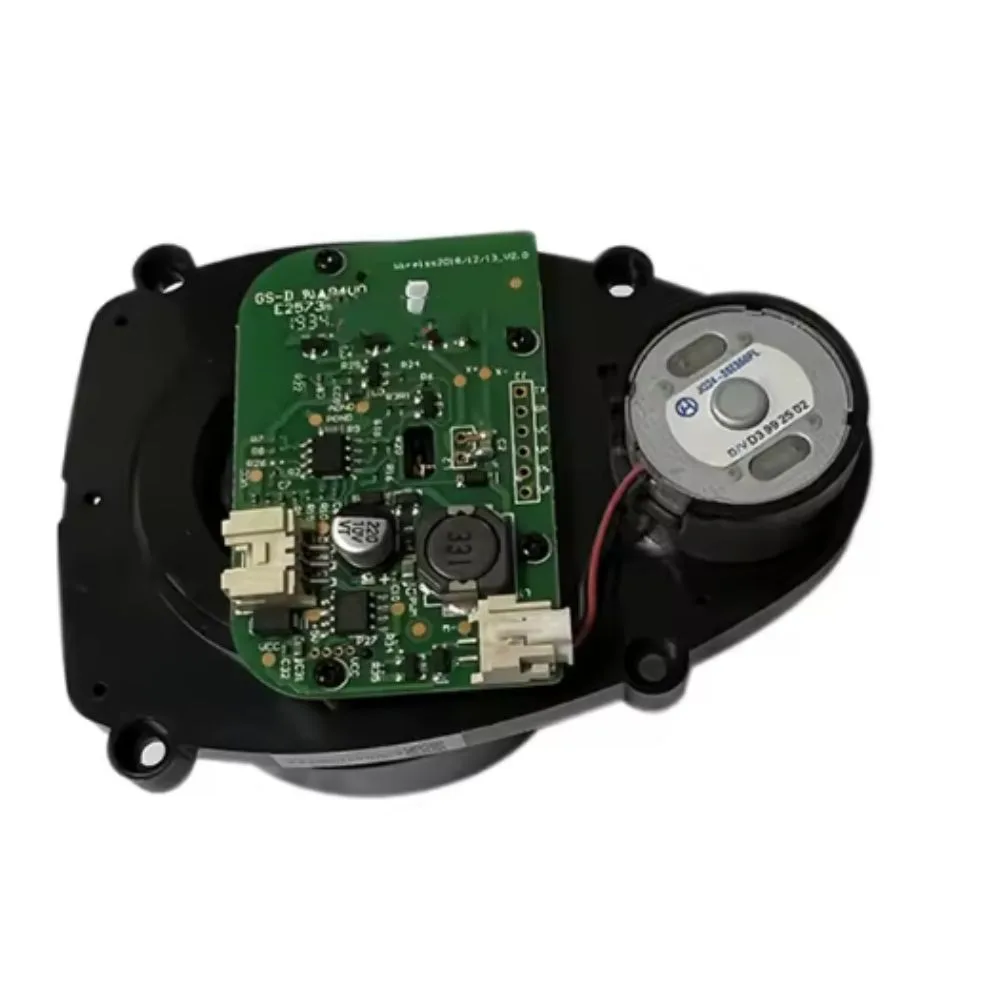
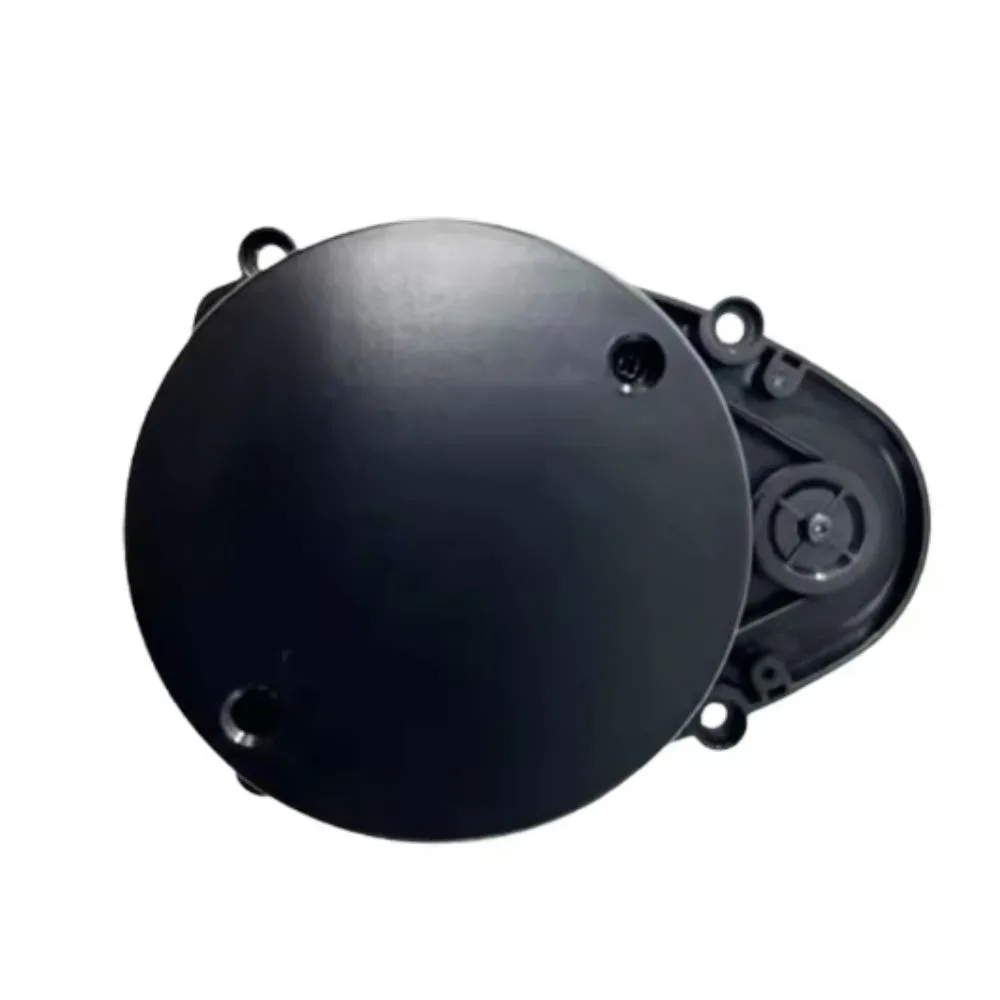
It’s the component that sits usually on top of the robot vacuum (in a spinning “turret” or dome) that rotates and emits a laser beam to scan the room (360° usually).
-
It works together with SLAM algorithms to build maps, avoid obstacles, plan routes, and help the robot know where it is, where it has cleaned, and where to go next.
Features / Why It’s Important
Here are the key aspects and why the LiDAR sensor is essential:
| Feature | What It Does / Benefit |
|---|---|
| 360° scanning / wide field | Allows robot to see in all directions, avoid obstacles, and map out the entire room rather than bumping into things blindly. |
| SLAM mapping | Builds and stores maps (often up to 5 map versions) for multi-room or multi-floor navigation. This improves cleaning efficiency. |
| Real-time object detection | When obstacles (furniture, people, pets) are in its path, it can detect and navigate around them. |
| Precision / range | Good LiDAR modules can detect walls etc at several meters (for XR500, ~5-8 m range is sometimes mentioned) which helps map bigger rooms without losing precision. |
| Robustness / reliability | Since it’s mechanical (rotating part), it has moving parts and needs to be clean, properly installed, and free from obstruction to work well. Damage or failures here greatly degrade the robot’s performance. |
Common Problems / Failures
Some of the typical issues users run into with the LiDAR sensor (on XR500 and other similar robots):
-
Error message “laser head is blocked or stuck” or the turret doesn’t spin.
-
This can happen if something obstructs the movement (dirt, hair, small object).
-
-
Poor mapping or navigation, especially in mop mode — robot seems confused or doesn’t follow proper cleaning paths. Might lose tracking.
-
Reduced performance due to dirt on the laser window or sensor — laser path may be blocked or scattered.
-
Mechanical failures like motor inside LiDAR not spinning, bearings stuck, wiring loose.
-
Optical issues — highly reflective surfaces or very dark environments can reduce accuracy.
Replacement
If you need a spare part (replacement LiDAR module), here’s what to check to ensure compatibility and good performance:
-
The LiDAR module should be compatible specifically with XR500 (or the exact variant you have) — check dimensions, connector type, voltage, mounting holes.
-
Ensure that you get a module with the complete spinning turret assembly, including motor, the top cover, the laser window, and possibly the ribbon cable + flex connector.
-
Check the supplier is genuine, and ideally offers warranty.
-
Check for clean, undamaged optics, no scratches or dust inside.
-
Make sure the replacement has the proper sealing (rubber gasket etc) to prevent dust/water ingress.
-
If possible, test (or ensure return option) so you can verify that the turret spins freely, laser emits, etc.
What to Check in Specification
Here are specs / details you should verify:
| Spec to check | Why it matters |
|---|---|
| Dimensions / mounting hole pattern | So it physically fits into your XR500 without modification. |
| Connector pin-out / cable type | Ensures it electrically matches the original. |
| Motor RPM or spin speed | For accurate scanning, mapping algorithm depends on consistent rotation speed. |
| Laser power / class | For safety and performance, sometimes specs include laser class, wavelength. |
| Range of detection | Determines how far away obstacles can be “seen.” |
| Manufacturer / model number | Helps ensure you don’t get a generic poor-quality component. |

There are no reviews yet.