


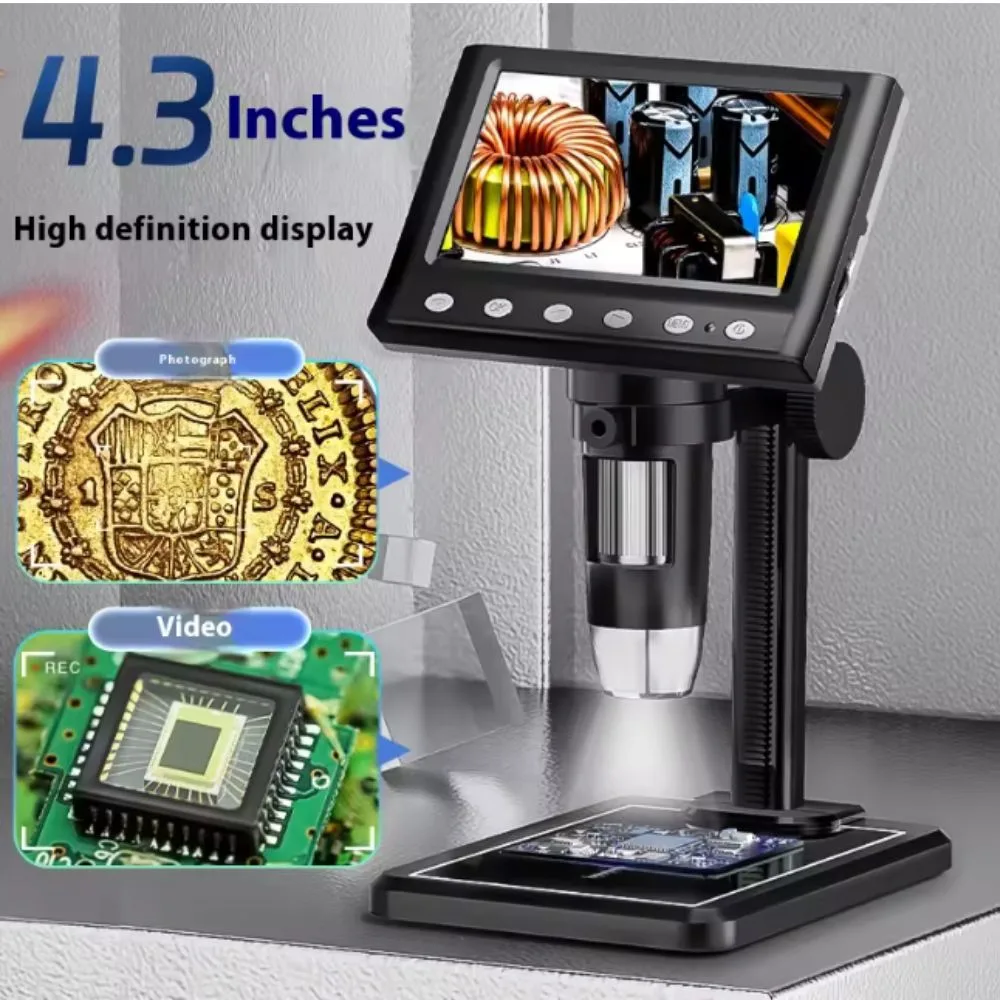
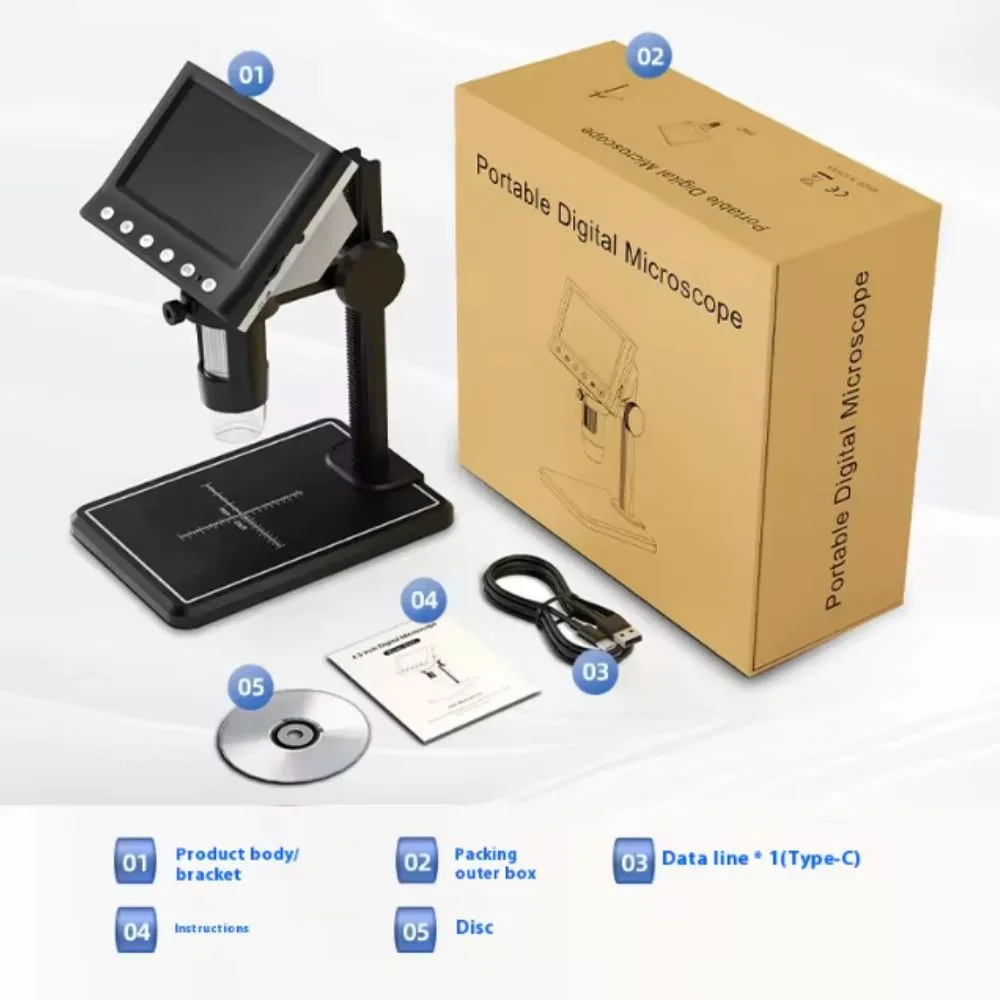
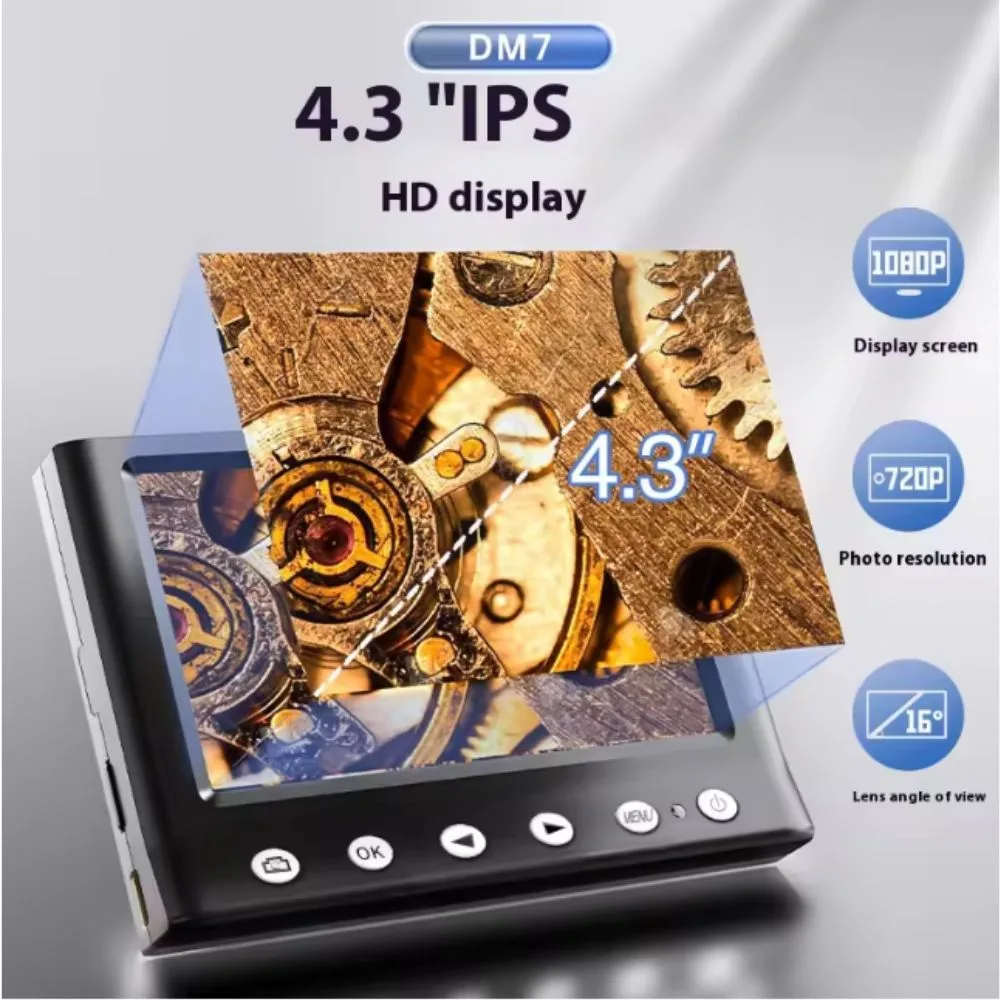
A 4.3-inch digital microscope is a self-contained microscope with its own screen (4.3″ LCD) that lets you view enlarged images without needing to connect to a PC. In the context of mobile phone repair, PCB work, or fine electronics inspection, these microscopes provide magnification, lighting, and image/video capture capabilities suited to detecting solder joints, broken traces, small components, defects, etc.
Because they integrate the display and optics together, they are convenient, portable, and often more flexible for inspection tasks. Many also allow output (USB, HDMI, or similar) so you can view or record on external devices too.
For example, the Koolertron 4.3″ LCD digital microscope (model DM7C) is marketed for circuit board repair, phone repair, coins, etc., with a 1080P output, 1–1000× magnification, 8 LEDs, and connection via USB-C.
Also, there is a 4.3 inch 1080P 10 MP LCD digital microscope model with 1–1000× zoom and stand, meant for soldering and inspection.
AmScope offers a 4.3″ portable LCD HD digital microscope with dual LED illumination, remote, and portable features.
Desired / Typical Features & What to Look For
When choosing or evaluating a 4.3″ digital microscope for repair / industrial use, here are the features you want:
| Feature | Why It Matters | Typical / Recommended Value |
|---|---|---|
| Screen / Display | You want a decent size and resolution to see fine detail comfortably | 4.3″ LCD, color, preferably >720p display |
| Magnification / Zoom | Determines how small details you can see | 1× to ~1000× (optical + digital), or more modest usable optical zoom |
| Image / Video Resolution | For capturing clear images or video for documentation or more detailed review | 1080p (Full HD) video; stills possibly higher (e.g. 10 MP) |
| LED Illumination | Provides the lighting needed on PCBs, tiny parts, often in shadowed areas | Built-in adjustable LEDs (6, 8, or more) around the lens |
| Focus / Working Distance | You need enough space between lens and object so your hands / tools can operate | e.g. a few cm (or adjustable focus) |
| Stand / Mounting | To hold the microscope steady while you inspect or solder | A stable metal base or stand with adjustable height |
| Battery / Power | For portability; power options matter when in field or bench work | Rechargeable battery (Li-ion), or USB or external power |
| Connectivity / Output | Ability to connect to PC, save images, etc. | USB output, microSD slot, possibly HDMI / Type-C interface |
| Durability / Build | To survive workshop use, soldering heat, etc. | Metal parts, solid focusing mechanism, protection from exposure |
| Software / Features | Useful extra capabilities like image capture, measurement, zoom control | White balance, exposure control, measurement scale, recording modes |
For instance, the Koolertron model above supports 1–1000×, 1080P video, has 8 LEDs, USB-C connectivity, and built-in screen.
The 4.3″ 1080P 10 MP model supports adjustable stand, 8 LEDs, “stable & durable” design, and includes battery and memory card for capturing media.
The AmScope model includes dual LEDs, coarse focus knobs, built-in screen and support for microSD for capture.
Typical / Example Specifications
These are sample specs drawn from existing models; your actual unit may differ:
| Spec | Example Value / Range |
|---|---|
| Screen | 4.3-inch LCD, color |
| Video resolution | 1080p (Full HD) |
| Still image resolution | e.g. 10 megapixels (in one model) |
| Magnification / Zoom | 1× to 1000× (combo of optical + digital) |
| LED illumination | 8 adjustable LEDs around the lens |
| Focus / working distance | Varies — likely tens of mm to a few cm (adjustable) |
| Power / battery | Rechargeable (Li-ion), also USB power support |
| Storage / memory | MicroSD / TF card slot (e.g. up to 32 GB) |
| Connectivity | USB output (to PC), maybe screen mirroring |
| Stand / base | Integrated stand or mount bracket for positioning |
| Exposure / controls | White balance, exposure compensation, brightness settings |
One model (4.3″ 1080P 10 MP) claims: “Three time recording modes of 3, 5, 10 minutes, adjustable stand, 8 adjustable LEDs, 32 GB card, stable metal base.”
The Koolertron DM7C claims it supports PC connection (USB), has adjustable LED brightness, display screen, etc.
The AmScope DM140 model offers 720p video, dual LED illumination, support for image/video on microSD.
Tips & Best Practices for Use in Repairs / Inspection
To get the most out of such a microscope, consider these recommendations:
-
Stable mounting is critical
Even slight hand movement can blur fine detail at high magnification. Use the stand, base, or clamps to keep the lens steady. -
Adjust lighting carefully
LEDs can create glare or reflections on shiny PCB surfaces or component leads. Dim LEDs or angle them to minimize hotspots. -
Focus gradually
At high magnification, depth of field is shallow. Move slowly and adjust focus in small increments. -
Clean optics and work area
Dust, solder splatter, flux residue degrade image clarity — keep lens and board surfaces clean. -
Mind heat and proximity
When soldering near the microscope, avoid overheating the lens or electronics. Maintain safe distance or shield the microscope. -
Use measurement / calibration features
If the device offers image measurement tools, calibrate using a scale to get real-world dimensions. -
Avoid over-reliance on digital zoom
Digital zoom can degrade clarity or introduce noise. Optical zoom and focus are more important. -
Use capture modes smartly
Use photo / video capture to document before/after repair or defects for analysis. -
Provide power / battery management
Ensure battery is charged; for long sessions, prefer USB or external power to avoid power drop in the middle of a job. -
Check compatibility & driver support
If using PC connection, ensure your computer OS supports the microscope’s drivers or software. -
Position under lighting shadows
Use diffusers, or block overhead ambient light that may interfere or add reflections. -
Inspect multiple angles
Slight tilting or rotating the board can reveal hidden defects or cracks not visible straight on.


There are no reviews yet.