

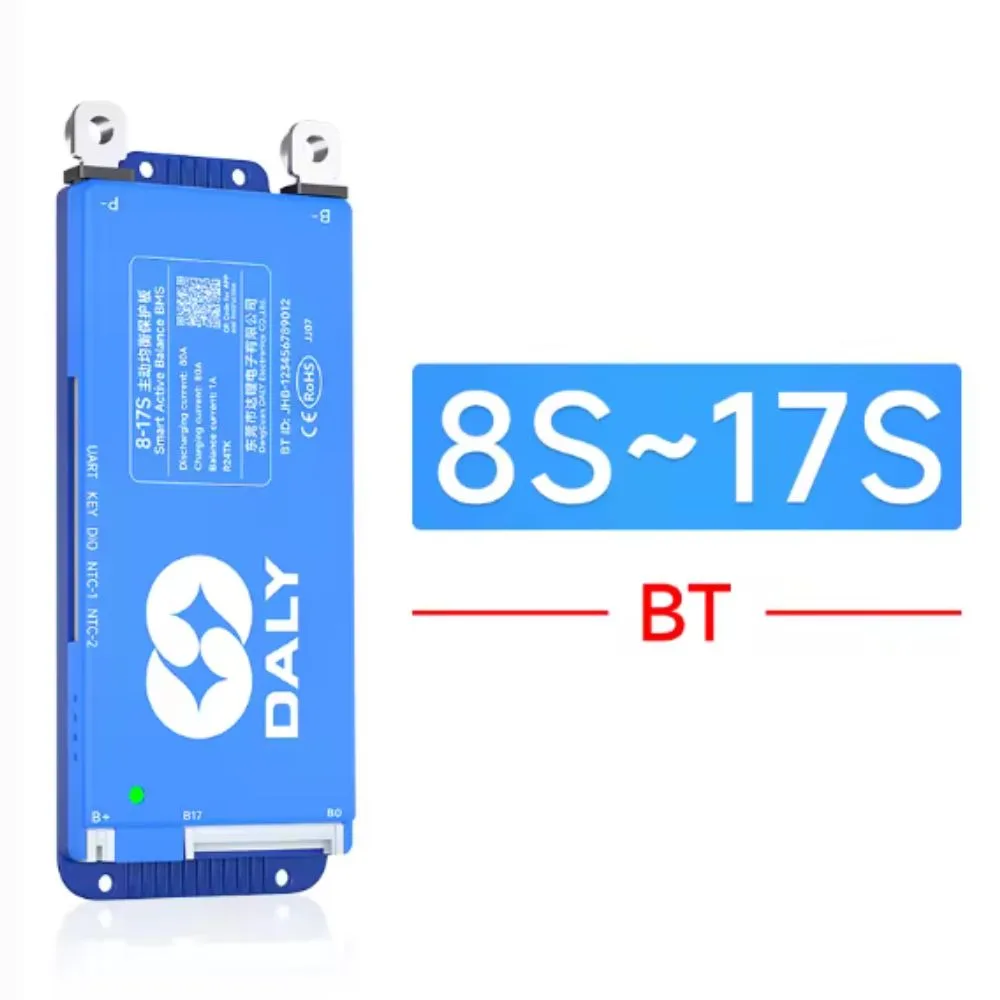
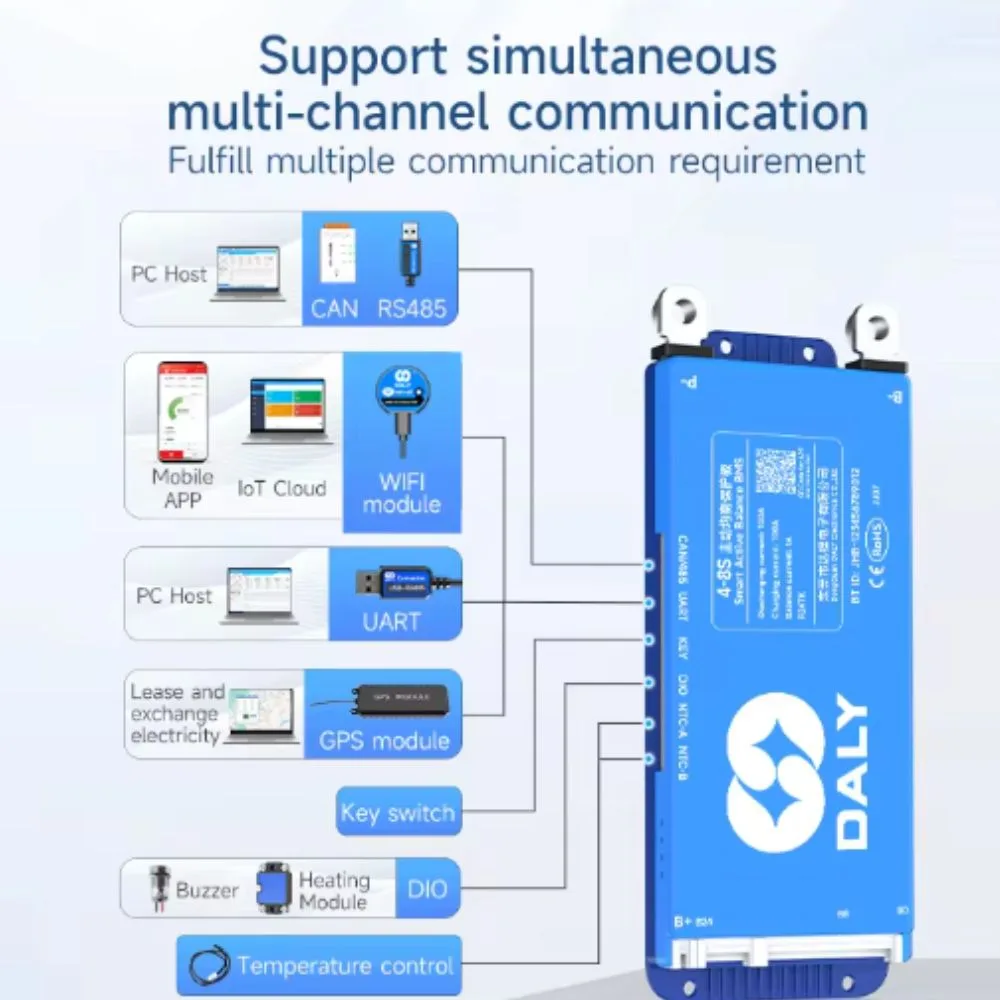
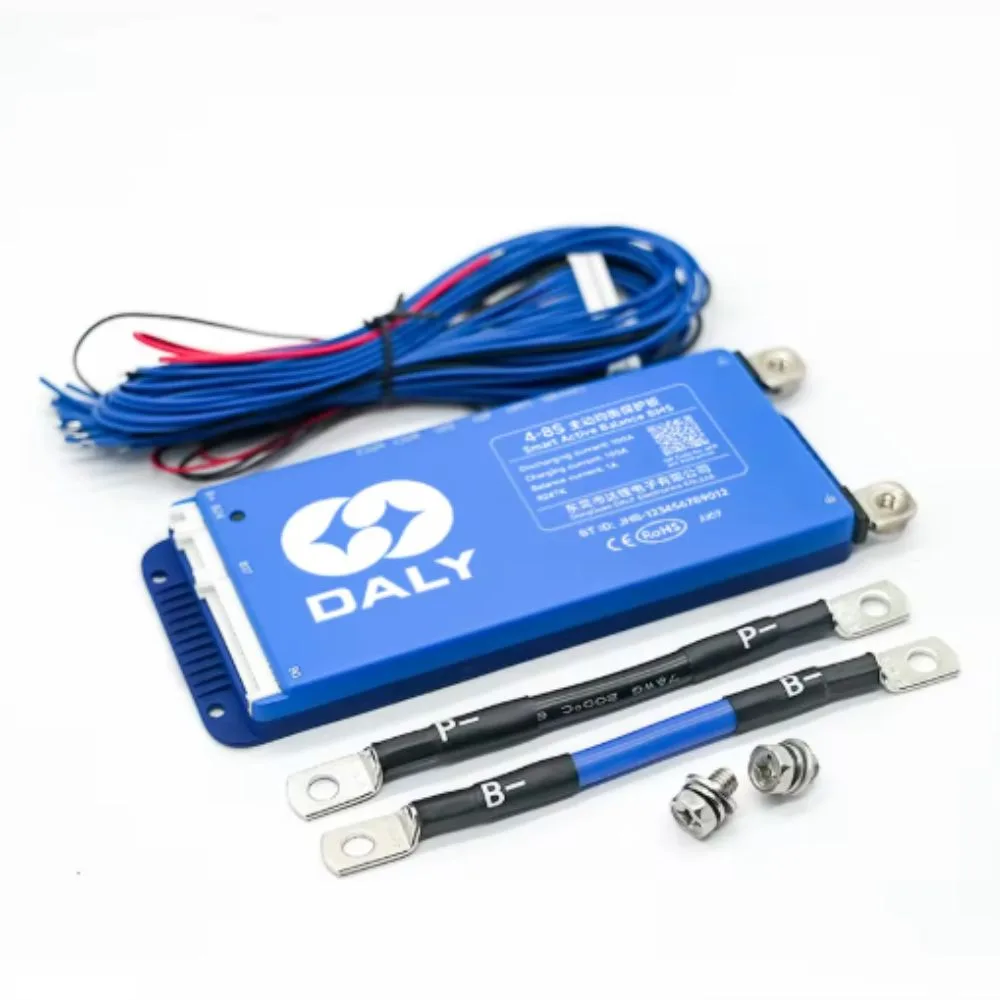

The Smart BMS 80A (8–17S) is an advanced battery management system designed to protect and optimize multi-cell lithium battery packs including Li-ion, LiFePO4, and LTO chemistries. With Bluetooth (BT) connectivity and UART communication, it enables real-time monitoring, configuration, and diagnostics via mobile apps or PC software. This makes it ideal for energy storage systems, solar batteries, EVs, robotics, and DIY battery packs requiring reliable protection and intelligent control.
Key Features
-
80A continuous current handling capability
-
Supports 8S–17S battery packs (configurable)
-
Bluetooth monitoring via smartphone app
-
UART interface for PC or microcontroller integration
-
Full protection: overcharge, over-discharge, overcurrent, short-circuit, temperature
-
Real-time data: voltage, current, capacity, temperature, cell balancing status
-
Active/passive balancing for extended battery life
-
Adjustable protection parameters through software
-
Temperature sensor support for safe operation
Specifications
| Parameter | Specification |
|---|---|
| Type | Smart Battery Management System (BMS) |
| Supported Chemistries | Li-ion / LiFePO4 / LTO |
| Series Cells | 8S – 17S (configurable) |
| Rated Current | 80A continuous |
| Peak Current | Up to ~150A (short duration, typical) |
| Communication | Bluetooth (BT) + UART |
| Balancing Method | Passive (built-in) |
| Protection Functions | Over/under voltage, overcurrent, short circuit, temperature |
| Monitoring | Per-cell voltage, pack voltage, current, temperature, SOC |
| Temperature Sensors | Supported (NTC) |
| Application Control | Mobile app / PC software |
Applications
This 80A Smart BMS is ideal for:
-
Solar energy storage battery packs
-
Electric bikes, scooters, and EV battery systems
-
Robotics and automation power systems
-
Backup power and UPS battery packs
-
DIY lithium battery pack projects
-
High-current portable power stations
Installation & Connection Overview
-
Connect B- to battery pack negative terminal.
-
Connect balance wires from B1 to B17 to each cell tap sequentially.
-
Connect P- to load and charger negative.
-
Attach NTC temperature sensors to battery pack surface.
-
Power on and pair via Bluetooth app or configure using UART software.
Always confirm correct series configuration (8S–17S) before powering the BMS.
Usage Tips
-
Match BMS series setting to your exact battery pack (e.g., 13S Li-ion, 16S LiFePO4).
-
Use proper gauge wires for high-current connections.
-
Enable balancing for improved cell lifespan.
-
Periodically check logs via Bluetooth to monitor battery health.
-
Install in a ventilated enclosure to prevent overheating.
Maintenance & Safety
-
Inspect connections regularly for looseness or corrosion.
-
Do not exceed rated current limits (80A continuous).
-
Ensure correct polarity when wiring balance leads.
-
Keep the BMS dry and protected from conductive debris.
-
Update firmware/app when available for improved features.


There are no reviews yet.